From zero to memory in 3 minutes.
No infrastructure. No vector DB. No PhD required.
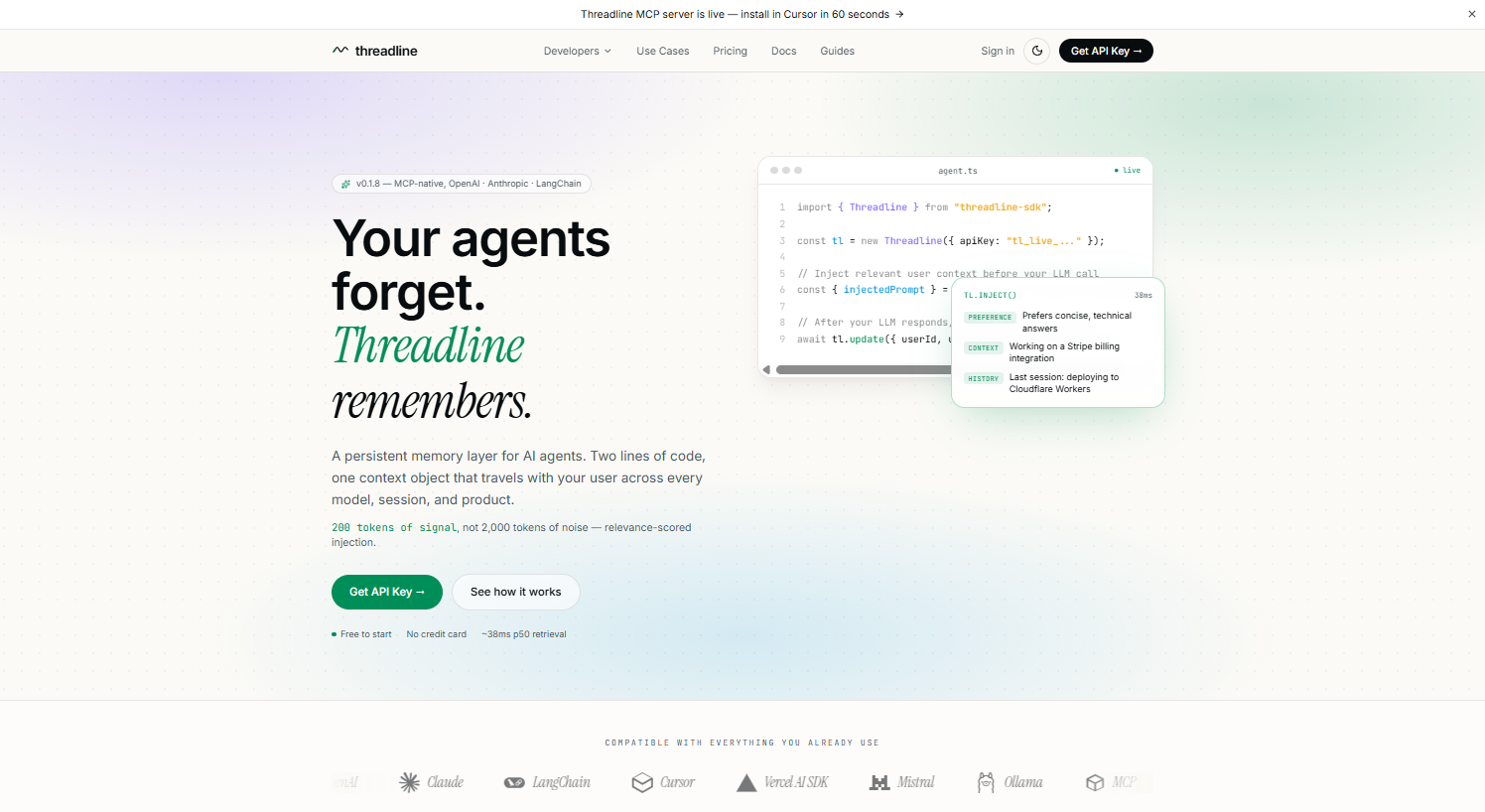
Step 01 · Visit threadline.to
Start where every great agent begins.
Click 'Get API Key' — no setup, no waitlist, no approval email.
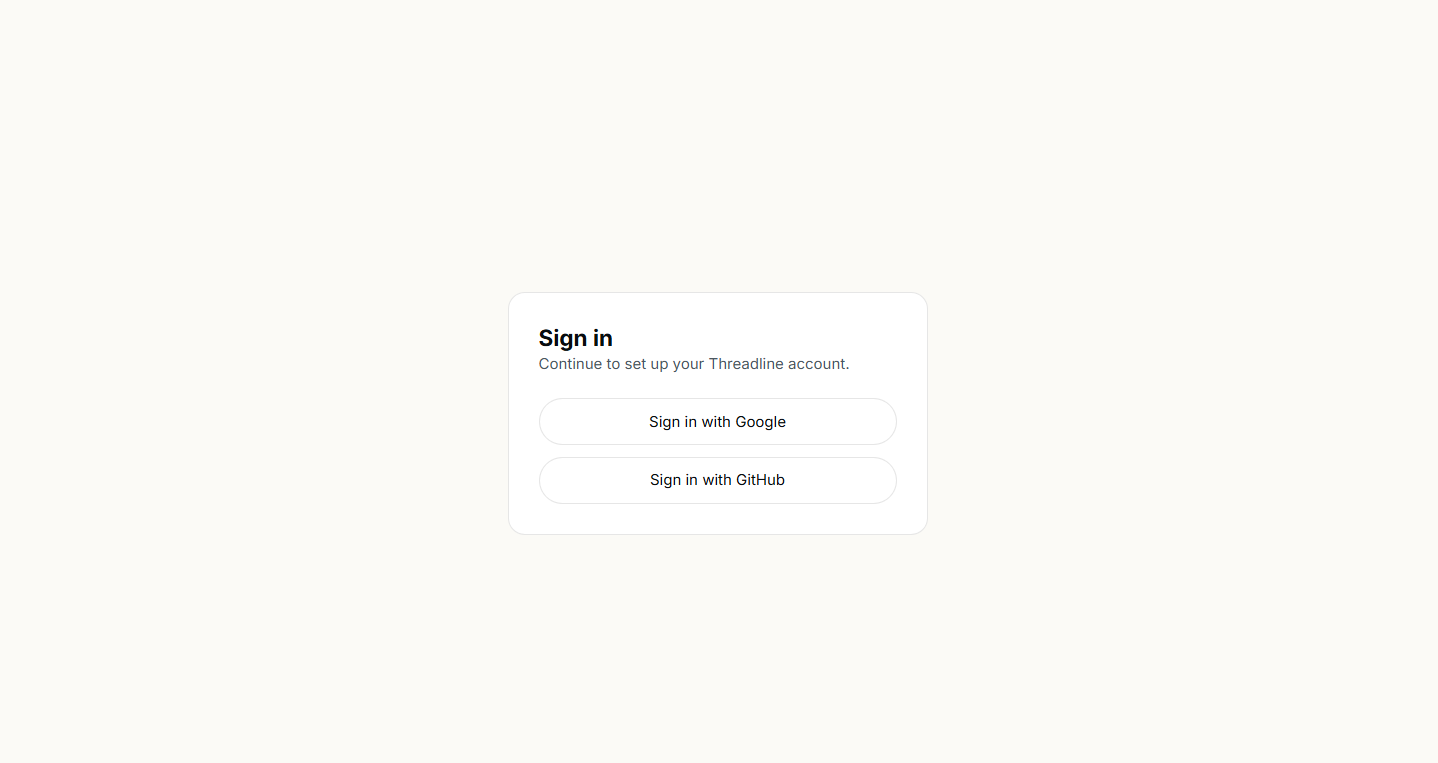
Step 02 · Sign in with Google
One click to your account.
Sign in with Google or GitHub. No email verification — your API key is generated instantly.
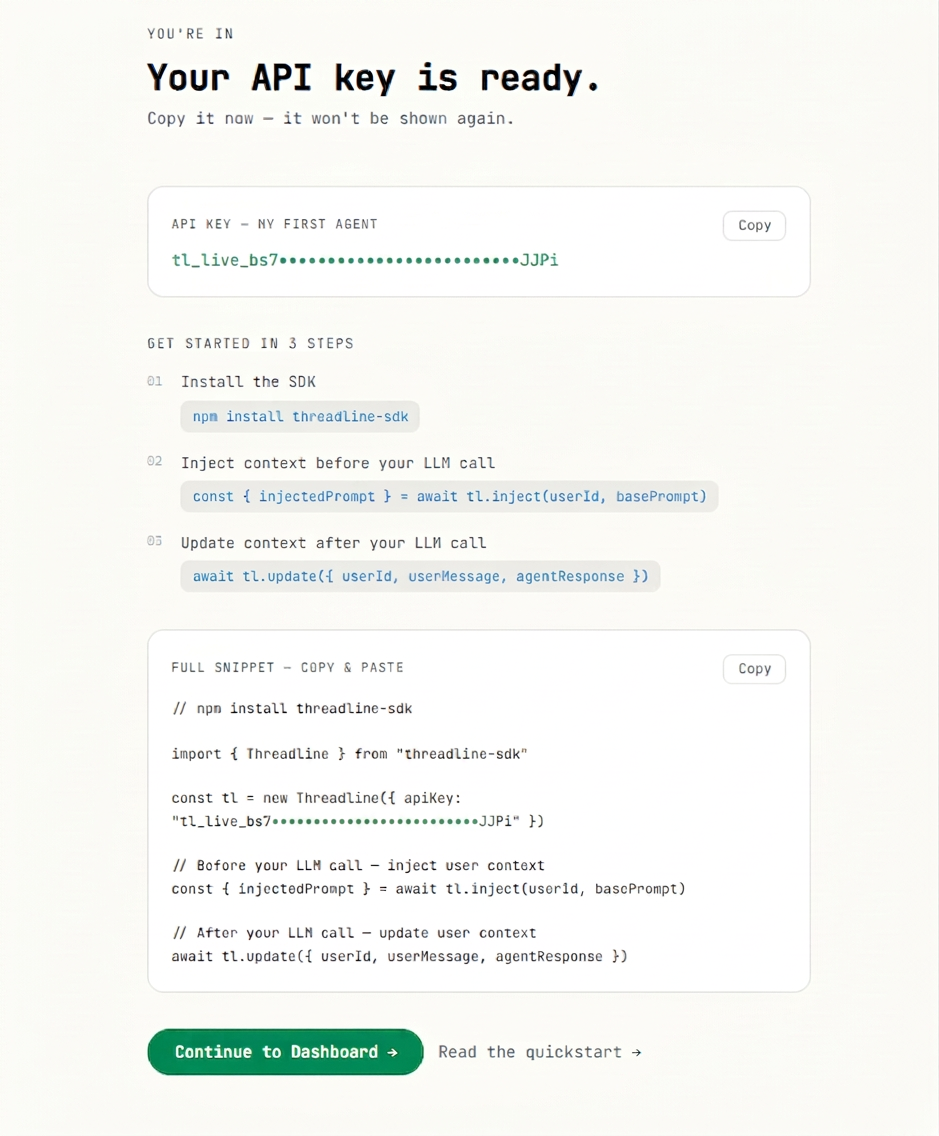
Step 03 · Copy your API key
Live key, quickstart, and snippet — one screen.
A live API key, a quickstart, and a copy-paste snippet — all on one screen.
Step 04 · Install the SDK
One command. Every modern runtime.
Works with Node.js, Bun, and Deno — no native bindings, no build steps.
$ npm install threadline-sdkStep 05 · Inject & update
Two lines. That's it.
inject() fetches 200 tokens of signal in under 500ms with no model calls. update() extracts new facts automatically — no schema, no embeddings.
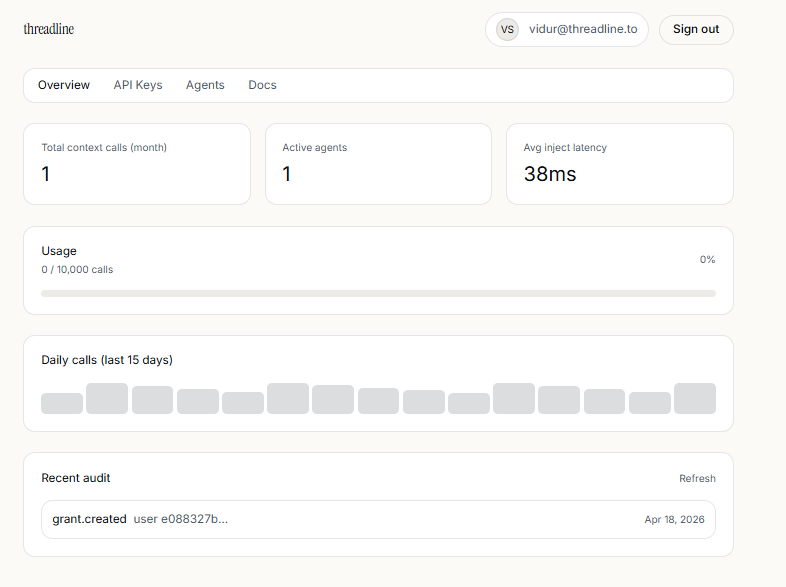
const { injectedPrompt } = await tl.inject(userId, basePrompt)await tl.update({ userId, userMessage, agentResponse })Step 06 · Monitor from dashboard
Observability built in.
Watch latency, audit every grant, rotate keys, and inspect agents — all from one dashboard.
<500ms retrieval
No model calls on read
User-owned context
Hard delete, grants, audit trail
2 lines of code
inject() before, update() after